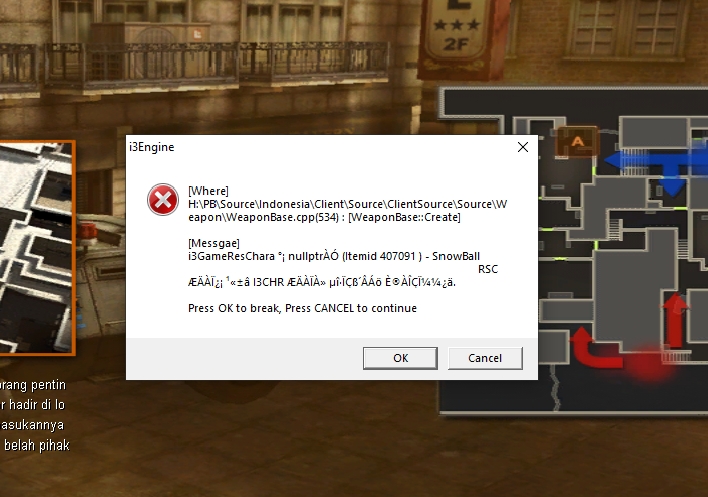
Pastikan kalian Instal Directx Resmi yah
Link di bawah
🔗 DOWNLOAD DIRECTX (RESMI)
https://www.microsoft.com/en-us/download/details.aspx?id=35
📥 LINK LANGSUNG (COPY)
https://download.microsoft.com/download/1/1/C/11C6D6A4-8E64-4B3C-A2A9-0C7D9E7B6D8A/dxwebsetup.exe
🧩 CARA INSTALL DIRECTX
1. Buka link download di atas
2. Klik tombol "Download"
3. Buka file dxwebsetup.exe
4. Klik "Yes" jika muncul izin
5. Pilih "I accept the agreement"
6. Klik "Next"
7. Tunggu proses download & install
8. Klik "Finish"
9. Restart PC (kalau diminta)
💻 COMMAND (OPSIONAL)
dxwebsetup.exe